
Shopping Cart
Last updated: March 2026 — Guide based on our hands-on use of the Canon EOS R5 Mark II in video production (documentary, weddings, corporate, music videos).
Shooting 8K 60p RAW internally on a mirrorless camera that fits in one hand. Capturing slow motion in 4K 120p with sound. Applying a Canon Log 2 profile identical to the one found on Cinema EOS cameras. Monitoring exposure with a waveform display, false colour and zebras — directly in the viewfinder. Five years ago, this feature list would have described a €15,000 cinema camera. Today, it's a day in the life of the Canon EOS R5 Mark II.
This guide is aimed at videographers — professional, semi-professional or enthusiast — who want to understand in detail what the R5 Mark II offers for video, how to get the best from it, and what its real-world limitations are. We cover every video mode, every codec, RAW workflows, heat management, optimal settings and essential accessories.
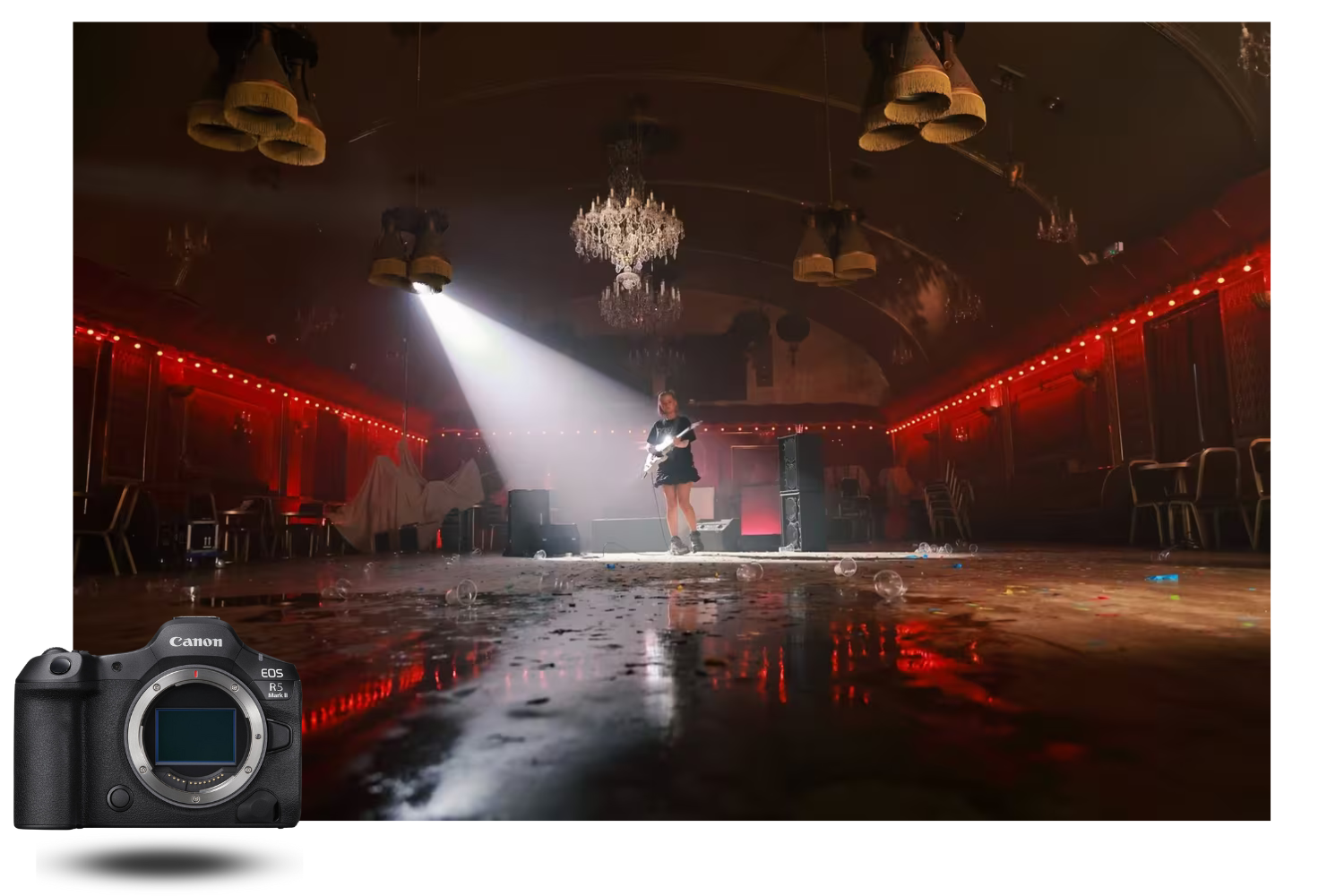
WHY THE CANON R5 MARK II IS AN 8K CAMERA LIKE NO OTHER
The original R5, launched in 2020, was the world's first mirrorless camera to offer internal 8K video. But the limitations were severe: rapid overheating, 8K capped at 30p, no Canon Log 2, pronounced rolling shutter in 8K, basic monitoring. The R5 Mark II addresses every one of these weaknesses while adding features that bring it closer to Cinema EOS cameras.
The fundamental change is the stacked back-illuminated CMOS sensor. Its readout speed of 6.3 ms (versus 16.3 ms on the original R5) drastically reduces rolling shutter and makes 8K recording at 60 frames per second possible. Paired with the dual DIGIC X + DIGIC Accelerator processors, it allows the body to handle the massive data rates of 8K RAW (up to 2,600 Mbps) without compromising autofocus or interface responsiveness.
The result is an 8K camera that is no longer a marketing gimmick but a genuine production tool. The R5 Mark II's 8K files rival the latitude and detail of dedicated cinema cameras costing two to three times as much.
EVERY VIDEO MODE ON THE CANON R5 MARK II IN DETAIL
The R5 Mark II offers an impressive array of video modes. Here's a complete rundown, from the most demanding to the lightest.
8K DCI 60p RAW Light (Cinema RAW Light) — The flagship mode
This is the R5 Mark II's most ambitious mode and the one that generates the most discussion. Recording is in 8K DCI (8,192 × 4,320 pixels) at 60p/50p in 12-bit Cinema RAW Light format, directly to the CFexpress Type B card. Bitrate reaches approximately 2,600 Mbps.
RAW Light is a compressed RAW format developed by Canon for its Cinema EOS line. It retains the core flexibility of standard RAW (exposure correction, white balance adjustment in post, full access to sensor data) while reducing file sizes by approximately 40% compared to uncompressed RAW. It's a sensible trade-off between quality and practicality.
The practical benefit of 8K 60p is threefold. First, the 60 fps frame rate allows smooth slow motion at 2.5× on a 24p timeline — ideal for cinematic B-roll. Second, 8K provides enormous cropping headroom: you can extract a 4K frame from anywhere within your 8K shot, effectively giving you a lossless 2× digital zoom. Third, you can pull 35.4-megapixel stills from your 8K DCI footage — sufficient for editorial or web use.
Recording duration: approximately 18 minutes without the fan grip. With the CF-R20EP grip, approximately 21 minutes in 8K 60p RAW Light.
8K DCI 30p RAW Standard — Maximum quality
For those who prioritise absolute quality at a standard frame rate, the 8K DCI 30p RAW Standard 12-bit mode delivers the best possible output. Bitrate is approximately 2,600 Mbps at 30p. The difference from RAW Light is subtle: RAW Standard retains more information in tonal transition areas, which can matter in aggressive grades with significant exposure corrections.
Recording duration: approximately 26 minutes without the fan grip. With the CF-R20EP, over 2 hours continuously — a dramatic improvement over the original R5, which managed only 20 minutes in 8K 30p.
8K compressed H.265 (XF-HEVC S) — The lightweight alternative
If a RAW workflow is too heavy for your post-production pipeline, the R5 Mark II offers 8K DCI and UHD recording at 30p in compressed H.265 (HEVC) 4:2:2 10-bit or 4:2:0 10-bit, in Intra (highest quality, each frame compressed independently) or Long GOP (lighter files, inter-frame compression) modes.
The Intra High Quality mode at 24p reaches approximately 1,920 Mbps — a very high bitrate for H.265 that delivers excellent results with minimal compression artefacts. Long GOP drops to roughly 540 Mbps, which remains very respectable and is considerably lighter to store and edit.
These modes are ideal for projects where 8K is desired for cropping in post but a RAW workflow would be disproportionate (weddings, corporate, events).
4K DCI/UHD 120p — Ultra-smooth slow motion
The 4K 120p mode (available in DCI 4,096 × 2,160 and UHD 3,840 × 2,160) is one of the R5 Mark II's key video assets. At 120 frames per second, you get 5× slow motion on a 24p timeline — perfect for sporting gestures, dance movements, waterfalls, fabric effects.
Two important points set the R5 Mark II apart from the competition in 4K 120p. First, audio recording is preserved even at 120p — many competing bodies drop sound at high frame rates, complicating sync in post. Second, 120p operates without sensor crop (full-width full frame), so you retain the same angle of view as in 4K 30p.
4K 120p uses line-skipped readout from the sensor, meaning effective resolution is slightly lower than the 4K Fine mode. In practice, the difference is barely visible on moving subjects — it's on static, detailed shots that it becomes noticeable.
Recording duration: approximately 22 minutes without the fan grip. With the CF-R20EP, approximately 26 minutes.
4K Fine 30p (oversampled from 8K) — The best 4K quality
The 4K Fine mode is often overlooked, but it's arguably the most interesting mode for videographers who deliver in 4K. In this mode, the R5 Mark II reads the entire sensor at 8K and then downsamples to 4K. Each pixel in the final 4K file benefits from the information of four 8K pixels, reducing moiré, lowering noise and increasing perceived sharpness.
The result is 4K quality superior to any native 4K mode — a difference visible on screen, especially on fine textures (fabrics, foliage, skin). 4K Fine is available in DCI and UHD at 30p/25p/24p.
The trade-off: this mode generates more heat (since it reads the sensor at 8K), and recording durations are therefore similar to those of compressed 8K 30p.
4K DCI/UHD 60p Standard — The everyday workhorse
For day-to-day shooting — interviews, B-roll, events, corporate — 4K 60p Standard is the most commonly used mode. It uses a sub-sampled readout from the sensor (no 8K read), which reduces heat generation and significantly extends recording times: approximately 45 minutes without the fan grip, and no limit with the CF-R20EP (constrained only by card and battery).
Image quality remains very good — comfortably superior to what most competing bodies deliver in 4K 60p. Rolling shutter is low thanks to the stacked sensor (approximately 9.7 ms as measured by CineD).
2K DCI / Full HD 240p — Extreme slow motion
For the most spectacular slow motion, the R5 Mark II offers a 2K DCI (2,048 × 1,080) and Full HD (1,920 × 1,080) mode at 240p. That's 10× slow motion on a 24p timeline — ideal for decomposing a sporting action, a water explosion, an insect in flight.
At 240p, resolution is naturally more limited and sub-sampling more aggressive. This mode should be reserved for shots where extreme slow motion takes priority over fine detail.
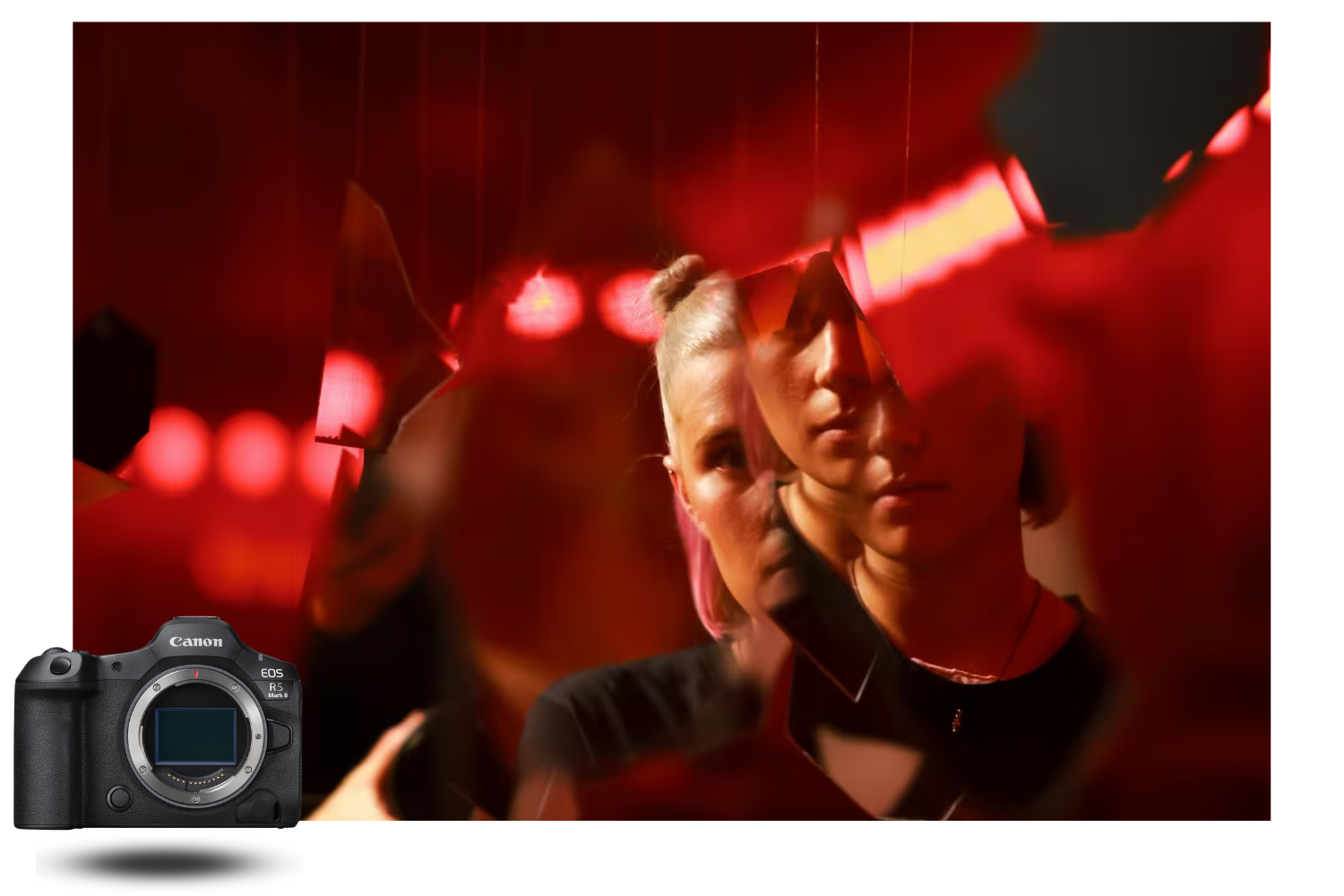
CANON LOG 2: CINEMA EOS DYNAMIC RANGE IN A MIRRORLESS BODY
The arrival of Canon Log 2 on the R5 Mark II is one of the most significant upgrades for professional videographers. This gamma profile was previously exclusive to Cinema EOS cameras (C70, C300 Mark III, C500 Mark II). Its introduction on a mirrorless body is a first.
What is Canon Log 2 and why does it matter?
Canon Log 2 encodes a wider dynamic range than Canon Log and Canon Log 3. In measurable terms, CineD recorded approximately 12 stops of dynamic range in 8K RAW developed to Canon Log 2, and up to 14.2 stops in 4K Fine 10-bit (thanks to internal noise reduction recovering information from the shadows). That's a level of performance that competes with dedicated cinema cameras.
In practice, Canon Log 2 gives you considerable grading latitude. You can recover detail in overexposed highlights and underexposed shadows without objectionable noise or banding. This is particularly valuable for outdoor shoots where contrast shifts rapidly (backlight, mixed interiors/exteriors, changing natural light).
Canon Log 2 vs Canon Log 3: which to choose?
Canon Log 2 delivers maximum dynamic range but produces a very flat, desaturated image that requires careful grading. It's the choice for high-end productions, music videos, documentaries and any project where colour grading is part of the workflow.
Canon Log 3 offers a useful compromise: slightly less dynamic range but an image that's easier to grade, with starting colours closer to the final look. It's the pragmatic choice for weddings, corporate and events where post-production time is limited.
The R5 Mark II also offers HDR PQ (Perceptual Quantizer) and HLG (Hybrid Log-Gamma) profiles for producing HDR content that's directly viewable on compatible displays, without additional grading.
In-viewfinder LUT application
Shooting in Log presents a practical problem: the viewfinder image is flat and desaturated, making it difficult to judge exposure and colour on set. The R5 Mark II solves this by allowing you to apply a LUT (Look-Up Table) directly in the viewfinder and rear screen during recording, while the unaltered Log file is written to the card.
You can load custom LUTs or use Canon's pre-installed LUTs (Log 2 to Rec.709 conversion, for example). It's a major productivity gain on set: the director and clients see output close to the final result, while the file retains full grading flexibility.
CODECS AND FORMATS: WHICH FORMAT FOR WHICH USE CASE?
The R5 Mark II offers a range of formats that can seem bewildering at first. Here's a simplified guide to choosing the right format for your project:
| Project type | Recommended format | Why |
|---|---|---|
| Music video / advert / short film | 8K RAW Light 60p or 30p | Maximum quality, full grading latitude |
| Documentary | 4K Fine 30p in Canon Log 2 (H.265 4:2:2 10-bit) | Best 4K quality, manageable files, wide latitude |
| Wedding / event | 4K 60p Standard in Canon Log 3 (H.265 4:2:2 10-bit) | Good quality, long durations, fast turnaround |
| Corporate / interview | 4K 30p Standard in Canon Log 3 (H.264 or H.265) | Light files, maximum compatibility, unlimited duration |
| Cinematic B-roll | 4K 120p (H.265) or 8K 60p RAW Light | 4K 120p for simple slow-mo, 8K 60p for crop + slow-mo |
| Extreme slow motion | Full HD 240p | 10× slow-mo on a 24p timeline |
| Social media / vlog | 4K 30p Standard (H.264 Long GOP) | Very light files, quick editing, sufficient quality |
HEAT MANAGEMENT: REAL-WORLD DURATIONS AND SOLUTIONS
This is the topic that worries videographers most, and understandably so: the original R5 suffered badly from overheating in 8K. The R5 Mark II does significantly better, thanks to an improved passive cooling system that circulates air through the body. But it remains a compact camera that generates heat in its most intensive modes.
Recording durations without the fan grip
Here are the durations measured by Canon with Auto Power Off Temp set to High (standard ambient temperature of 23°C):
| Video mode | Approximate duration |
|---|---|
| 8K 60p RAW Light | ~18 minutes |
| 8K 30p RAW Standard | ~37 minutes |
| 4K 120p | ~22 minutes |
| 4K 60p Standard | ~2 hours |
| 4K 30p Standard | ~6 hours (limited by battery/card) |
With the CF-R20EP fan grip: a game-changer
The Cooling Fan CF-R20EP is a virtually essential accessory for videographers using the 8K and high-frame-rate 4K modes. It attaches beneath the body (replacing the standard battery grip) and houses an active fan that draws air from the front and pushes it through the camera body.
With the fan grip fitted, durations extend to over 2 hours in 8K 30p and approximately 21 minutes in 8K 60p RAW. In 4K 60p Standard, there is no thermal limit — you can record for as long as the card and battery allow.
The fan is audible. At maximum speed, it's clearly perceptible in a quiet environment. For critical audio takes, three options: boom the microphone away from the body, use a wireless lavalier, or configure the fan to stop during recording and operate only during standby (cooling between takes).
The CF-R20EP also includes a 2.5G Base-T Ethernet port for high-speed file transfers and professional streaming — an asset for studios and press rooms.
BUILT-IN PROFESSIONAL MONITORING TOOLS
The R5 Mark II packs monitoring tools typically reserved for cinema cameras:
Waveform Display. Shows the distribution of luminance levels in real time. Essential for correct exposure in Log, where the standard histogram is unreliable. The waveform can be overlaid on the viewfinder or rear screen.
False Colour. Assigns colours to different luminance zones in the image. Lets you instantly identify overexposed (red) and underexposed (blue) areas. Particularly useful outdoors when the screen is difficult to read.
Zebras. Displays hatching over areas approaching overexposure. Configurable by threshold (e.g. 70%, 100%).
Tally Light. A red indicator on the front of the body illuminates during recording, letting people in front of the camera know it's rolling. Adjustable in brightness or fully disableable.
Video Pre-Record. The camera can record 3 or 5 seconds of video before you press the record button — the video equivalent of the stills pre-capture function. You'll never miss the start of a spontaneous action again.
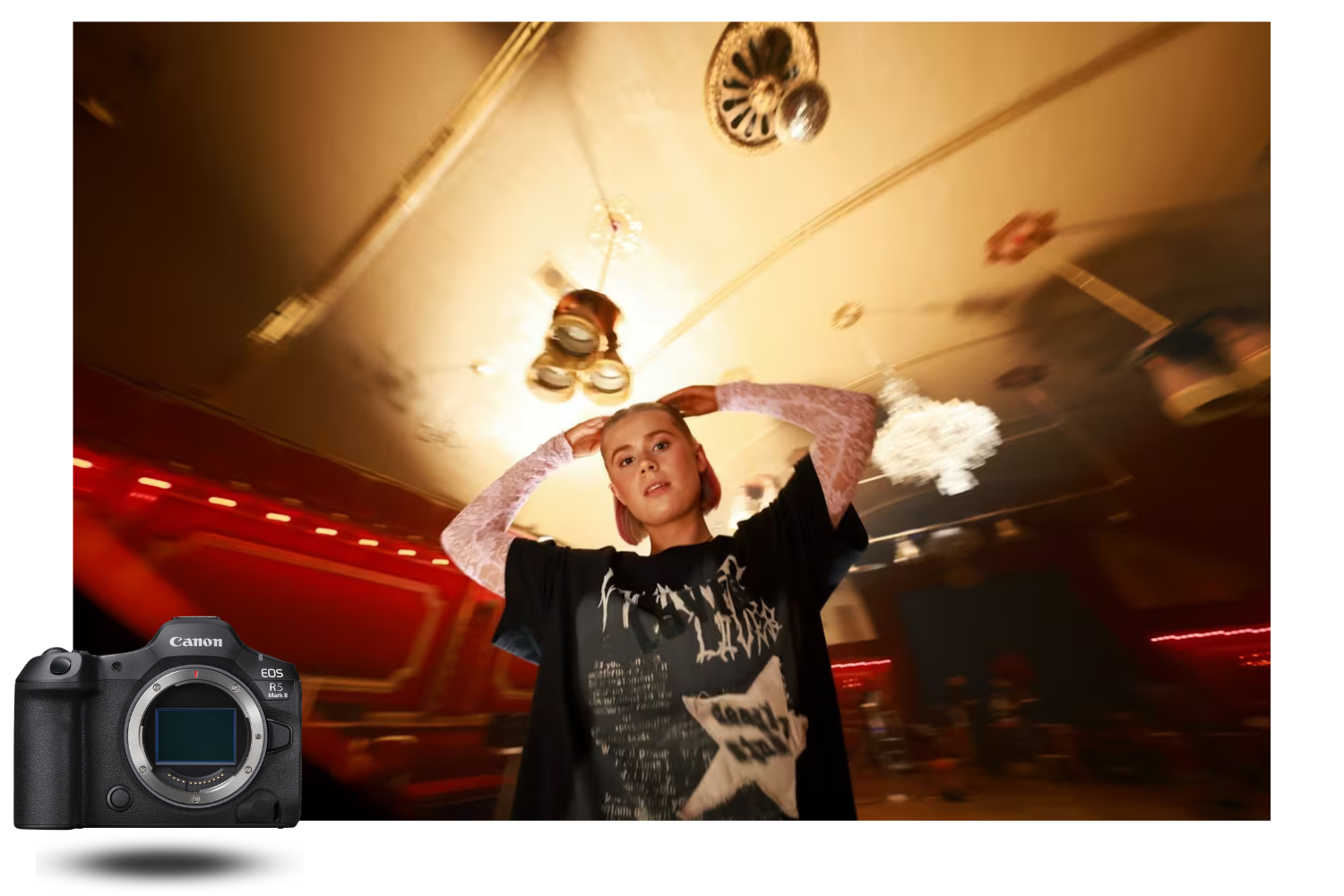
HDMI OUTPUT, EXTERNAL RECORDING AND SIMULTANEOUS RECORDING
The R5 Mark II features a full-size HDMI port (Type A), a major upgrade from the original R5's fragile micro-HDMI. This port enables:
ProRes RAW output in 8K 30p to a compatible external recorder (Atomos Ninja V+). The camera sends the uncompressed RAW stream via HDMI, and the external recorder encodes it in ProRes RAW. It's an alternative to internal RAW for those who prefer a ProRes workflow.
Simultaneous dual-card recording. The R5 Mark II can write the primary stream (e.g. 8K RAW) to the CFexpress card while recording a lightweight Full HD proxy to the SD card. This proxy allows fast rough-cut editing on a field laptop, before conforming the final edit with full-quality 8K files.
Dual Shooting mode (stills + video simultaneously). An R5 Mark II exclusive: while recording Full HD video, you can shoot burst JPEG stills simultaneously (33.2-megapixel resolution from 8K UHD). For wedding and event photographers who need to deliver both stills and video from the same moment, it's a significant productivity gain.
AUDIO: 4 CHANNELS AND MULTI-FUNCTION HOTSHOE
The R5 Mark II supports LPCM 24-bit 4-channel audio recording when a compatible audio accessory is connected via the multi-function hotshoe (such as the Canon Tascam XLR audio module). The two base channels (built-in stereo microphone or 3.5 mm mini-jack input) are supplemented by two additional channels from the hotshoe accessory.
In standard audio mode (without multi-function accessory), recording is in AAC 16-bit stereo or LPCM stereo depending on the chosen video format. The 3.5 mm headphone jack allows real-time audio monitoring.
ROLLING SHUTTER: WHAT THE STACKED SENSOR DELIVERS IN VIDEO
Rolling shutter is the videographer's enemy: it distorts vertical lines during fast pans and creates unpleasant artefacts on moving subjects. The R5 Mark II's stacked sensor dramatically reduces this problem.
CineD's measurements show rolling shutter of approximately 17.3 ms in full-sensor 8K, 9.7 ms in 4K Fine and 4K 60p Standard, and 7.1 ms in 4K 120p. For comparison, the original R5 measured approximately 15.5 ms in 8K — the gain is therefore modest in 8K, but significant in 4K where sub-sampling enables faster readout.
In practice, the R5 Mark II's rolling shutter in 4K is low enough to pose no issues in the vast majority of shooting situations. In 8K, it remains visible on very fast pans but is acceptable for normal professional use.
RECOMMENDED VIDEO SETTINGS
Here are our recommended baseline settings for different shooting scenarios:
High-end production (music video, advert, narrative): 8K RAW Light 30p or 60p, Canon Log 2, ISO 800 (Log 2 native ISO), monitoring LUT in viewfinder, 2 TB CFexpress card minimum, CF-R20EP fan grip.
Documentary: 4K Fine 30p in H.265 4:2:2 10-bit Intra, Canon Log 2, ISO 800, simultaneous recording (4K Fine on CFexpress + Full HD proxy on SD), waveform display enabled.
Wedding / event: 4K 60p Standard in H.265 4:2:2 10-bit Long GOP, Canon Log 3, auto ISO (100–12,800), simultaneous recording (4K on CFexpress + backup on SD), Servo continuous AF with face detection.
Interview / corporate: 4K 30p Standard in H.265 or H.264, Canon Log 3 or Rec.709 Standard (if no grading planned), fixed ISO matched to lighting, tripod, external XLR mic via multi-function hotshoe.
Cinematic B-roll: 4K 120p or 8K 60p RAW Light depending on cropping needs, Canon Log 2, ISO 800, IBIS stabilisation enabled + Movie Digital IS if handheld.
MEMORY CARDS AND STORAGE: WHAT TO BUY
The R5 Mark II's video bitrates are high, especially in RAW. Here are our recommendations:
For 8K RAW (2,600 Mbps): a CFexpress Type B VPG400 card is essential. VPG400 cards guarantee a sustained write speed of at least 400 MB/s. Recommended brands: Sony CEB-G (Tough series), Lexar Professional Diamond, ProGrade Digital Cobalt. Budget for at least 1 TB per shooting day in 8K RAW — files are large (~20 GB per minute in 8K 60p RAW Light).
For 4K compressed H.265: a standard CFexpress card or even a fast SD UHS-II card (V90) will handle most compressed 4K modes. Bitrates in 4K 60p Long GOP (approximately 150–340 Mbps) are well within the capabilities of a good SD UHS-II card.
For simultaneous recording: CFexpress for the primary stream + SD UHS-II for the proxy or backup.
ESSENTIAL VIDEO ACCESSORIES FOR THE R5 MARK II
To get the most from the R5 Mark II in video, several accessories are strongly recommended:
CF-R20EP Fan Grip — Virtually essential for the 8K and high-frame-rate 4K modes. Also includes an Ethernet port.
LP-E6P Battery — The R5 Mark II's official battery. Older LP-E6NH batteries work but disable certain video features (8K RAW in particular). Budget for 3–4 batteries per shooting day.
PD-E2 USB-C Power Adapter — For studio or indoor shoots, USB-C power eliminates battery concerns entirely.
RF 24-105mm f/2.8 L IS USM Z Lens — The ultimate video zoom for the R5 Mark II: constant f/2.8 aperture, minimal focus breathing, silent autofocus, coordinated IS stabilisation. Available as a kit with the R5 Mark II.
External Monitor — For accurate on-set monitoring, a calibrated 5–7 inch monitor (SmallHD, Atomos Ninja, PortKeys) connected via HDMI Type A is a worthwhile investment.
THE CANON R5 MARK II VS THE VIDEO COMPETITION
How does the R5 Mark II stack up against other video options on the market?
Against the Sony A7S IV and Sony A1 II, the R5 Mark II offers higher resolution (8K vs 4K on the A7S IV) and unmatched stills capabilities. Against the Nikon Z8, it wins on Canon Log 2, monitoring tools, full-size HDMI and 8K 60p. Against the Blackmagic Pocket Cinema Camera 6K G2, the R5 Mark II gains in compactness, autofocus and photo/video versatility, though the Blackmagic retains an edge in raw dynamic range and pure video ergonomics.
The R5 Mark II's true advantage is its extreme versatility: it's a camera that excels in stills (45 MP, 30 fps, pre-capture, Eye Control AF) while delivering video capabilities that rival dedicated cinema cameras. For the hybrid photo/video creator, nothing else on the market covers such a broad spectrum.
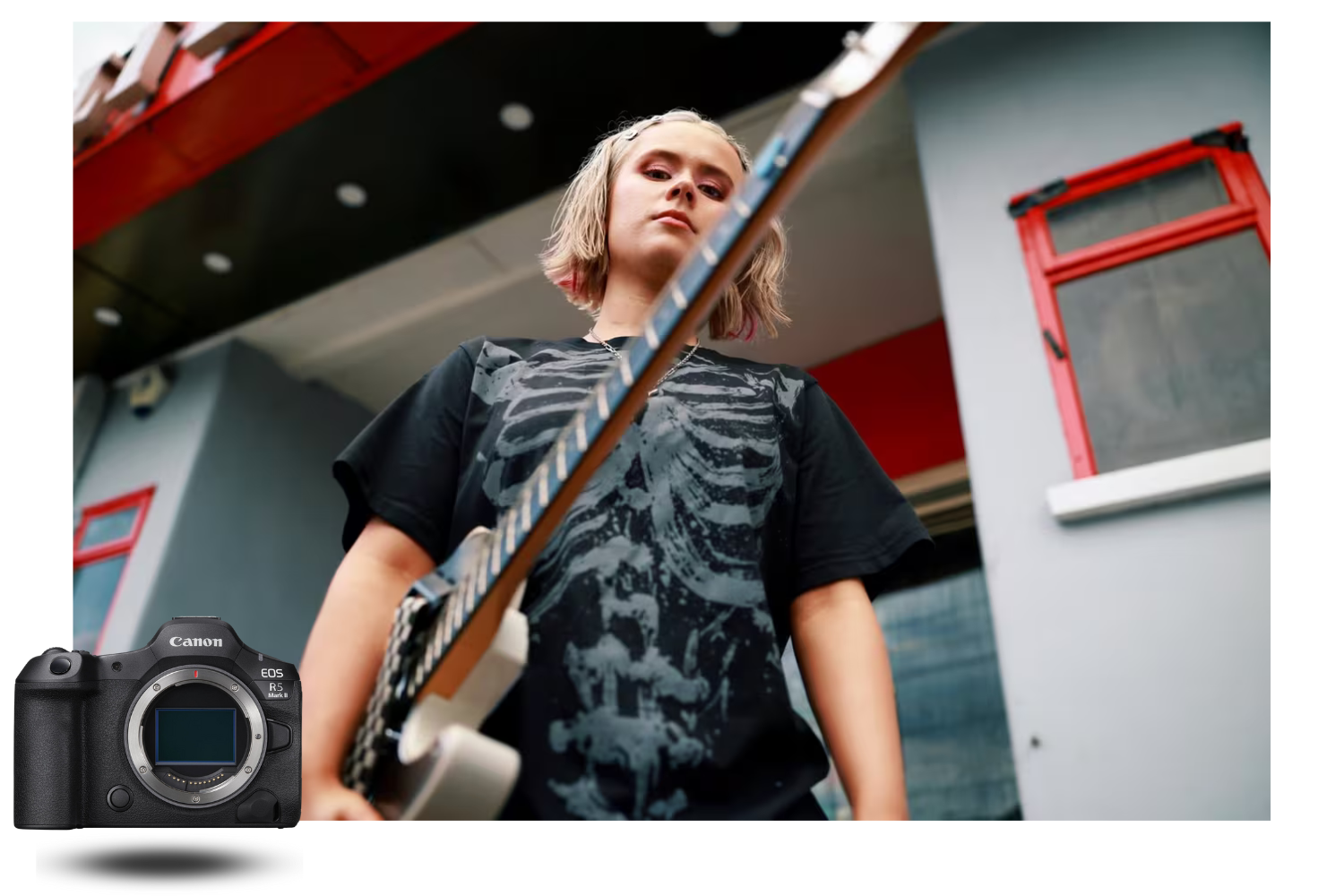
CONCLUSION: IS THE R5 MARK II BUILT FOR VIDEO?
The answer is an emphatic yes — with one caveat. The Canon EOS R5 Mark II is not a dedicated cinema camera. It won't replace a C300 Mark III for a continuous 10-hour shoot. But for everything else — music videos, documentaries, weddings, corporate, creative content, cinematic B-roll, filmed reportage — it is one of the most capable mirrorless cameras ever designed for video.
The combination of 8K 60p internal RAW + 4K 120p with sound + Canon Log 2 + waveform/false colour + full-size HDMI + video pre-record + Dual Shooting + 4-channel audio is unique in the mirrorless camera market. No competitor offers this complete set of features in a single 746-gram body.
For the professional videographer who wants a compact body without compromising image quality or post-production flexibility, the Canon R5 Mark II is quite simply the best option available in 2026.
Discover the Canon EOS R5 Mark II on MCZ Direct: view our full product page with pricing, detailed specifications and fast shipping.

Comments (0)