
Shopping Cart
How to choose a mirrorless camera in 2026

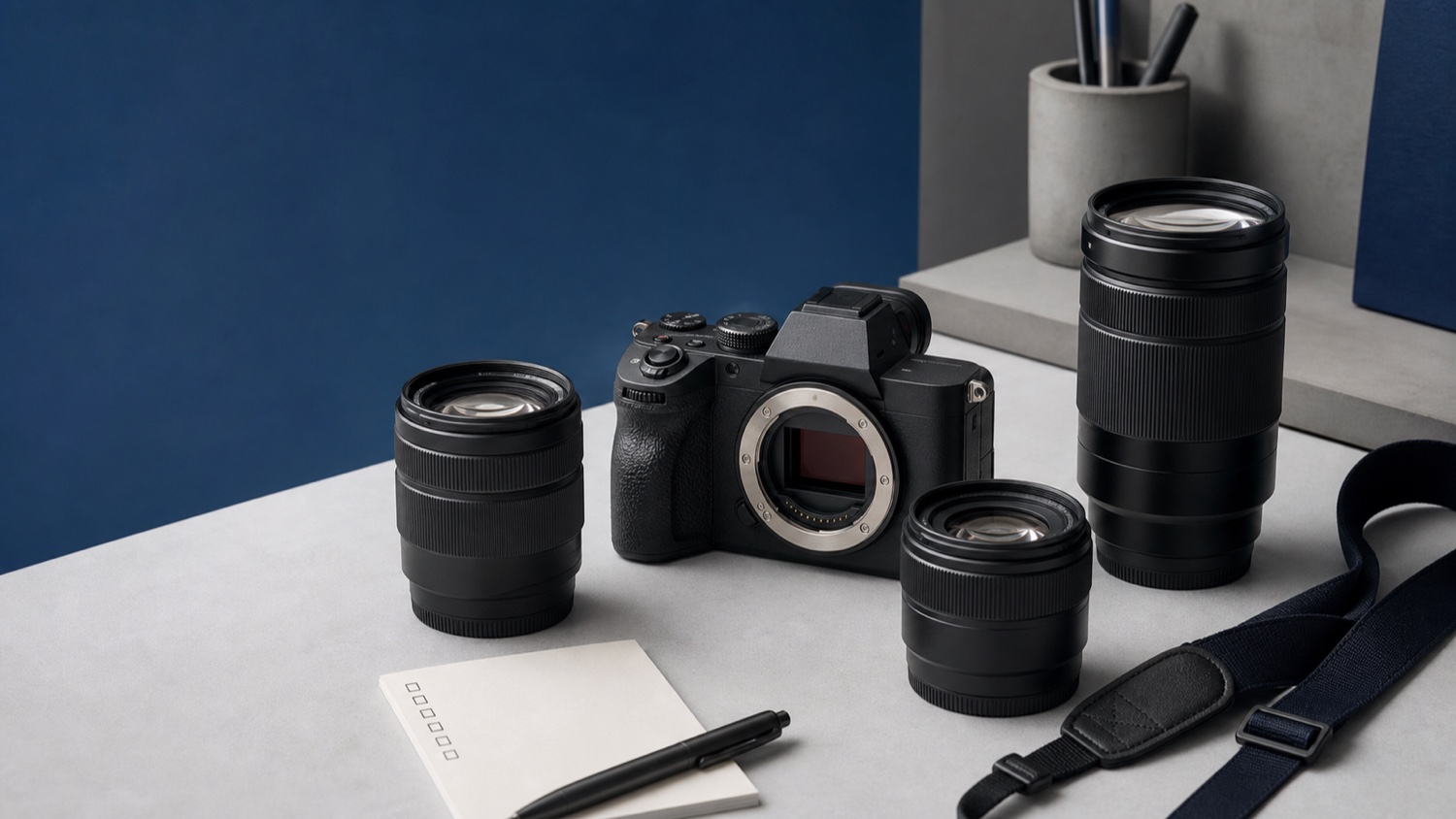
How do you choose a mirrorless camera without getting lost in specifications? MCZ DIRECT puts the decisions in a useful order: subjects, lenses, sensor, autofocus, handling, video and kit.
Editorial review: 25 July 2026 — This buying guide is based on current manufacturer documentation and the CIPA battery-life standard. It is a decision method, not a laboratory comparison or a ranking of individual cameras.
To choose a mirrorless camera in 2026, work backwards from what you want to photograph or film. Identify the lenses those subjects require, then decide which sensor format, autofocus behaviour, stabilisation, video modes and controls will support that work. The strongest specification sheet is not automatically the best purchase. A sensible camera is part of a coherent system: body, lenses, carrying weight, batteries, cards and editing workflow must all fit together. If this is your first interchangeable-lens camera, favour a system you can expand without unnecessary complexity. If you already own lenses, verify their exact compatibility before changing mount.
This order matters. Starting with a brand or a headline feature often leads to a technically impressive body paired with the wrong lens, an uncomfortable kit or files that are awkward to handle. MCZ DIRECT’s approach is to define the job first and compare equipment second.
The MCZ DIRECT method: five decisions in the right order
| Decision | Question to answer | What it prevents |
|---|---|---|
| 1. Subjects | What will I photograph or film most often? | Paying for features that do not serve the main use |
| 2. Lenses | Which focal lengths, apertures and lens types do those subjects need? | Choosing a body before checking the system around it |
| 3. Sensor | Which format gives the framing, depth-of-field options and kit size I want? | Treating full frame as an automatic upgrade for every photographer |
| 4. Performance | Which autofocus, burst, stabilisation and video functions are genuinely useful? | Comparing headline numbers without their operating conditions |
| 5. Complete kit | Can I comfortably carry, power, store and edit what this system produces? | Discovering the real weight or workflow burden after purchase |
Use these decisions to remove unsuitable systems, rather than trying to identify one universal winner. Once two or three options remain, the specifications and category filters become much more useful.
1. Begin with your subjects, not the badge on the camera
Write down the three situations that matter most. “General photography” is too broad; “family indoors, weekend travel and occasional short videos” gives you something to evaluate. A wildlife photographer may care about subject tracking, telephoto reach, buffer depth and battery endurance. A portrait photographer is more likely to prioritise suitable lenses, eye detection, comfortable handling and lighting options.
Also decide how the images will be used. Social posts, prints, publication work and heavy cropping place different demands on resolution and storage. For video, identify the intended delivery format, recording duration, sound requirements and editing equipment. A rarely used maximum mode should not decide the entire purchase.
This exercise turns specifications into questions. Instead of asking which camera has the highest burst rate, ask whether it can track your subject for the length of the sequence you need. Instead of asking which one records the largest video frame, ask whether its useful mode retains autofocus, audio and a manageable codec.

2. Choose a lens system before choosing a body
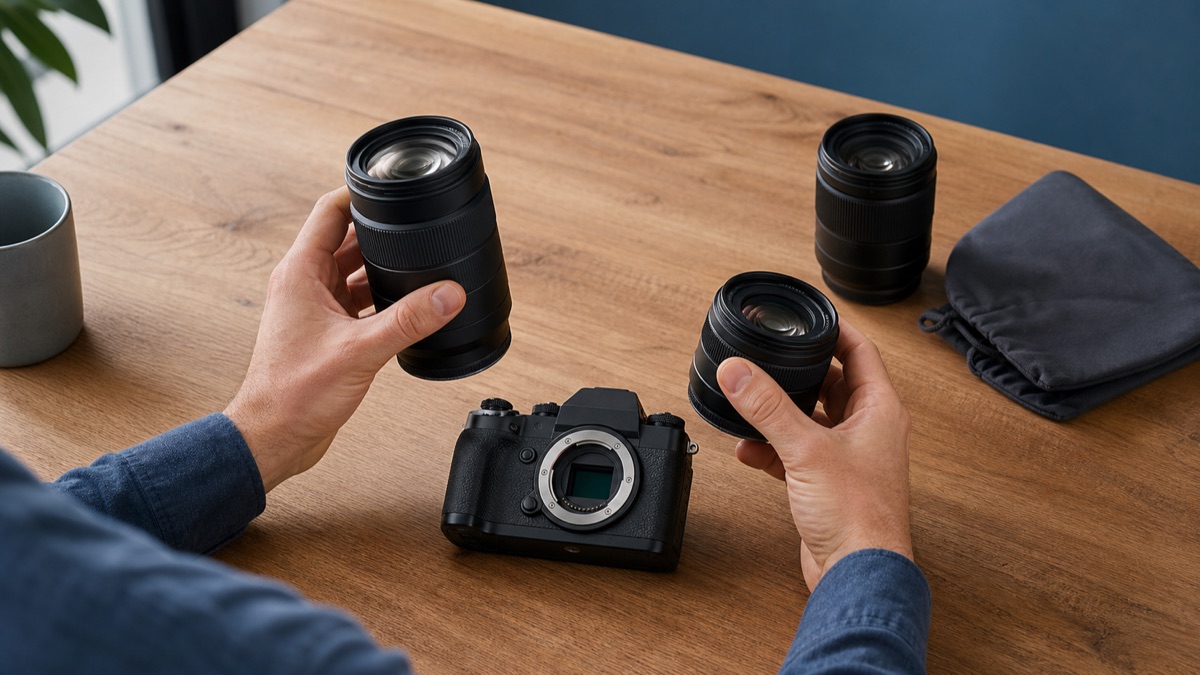
The lens controls angle of view, maximum aperture, focusing distance and much of the final rendering. Bodies change quickly; a well-chosen lens system may stay with you through several upgrades. Before comparing cameras, check that the mount offers the everyday zooms, compact primes, macro lenses or telephotos your work calls for.
Do not stop at the mount name. Confirm whether the lens covers the camera’s sensor format, whether an adapted lens retains autofocus or stabilisation, and whether particular combinations introduce a crop or restricted functions. Mechanical attachment is not the same as full functional compatibility.
The major systems approach this in different ways. Sony uses E-mount across its APS-C and full-frame Alpha ranges, while the image area covered by a specific lens still matters. Nikon Z includes DX and FX bodies and lenses. Canon EOS R combines RF and RF-S options, with official adapters available for many EF and EF-S lenses. Fujifilm X is centred on APS-C, while OM SYSTEM uses Micro Four Thirds. These are not rankings; they are system maps you need to compare with your lens plan.
You can inspect the current Sony Alpha, Nikon Z, Canon EOS R, Fujifilm X and OM SYSTEM ranges alongside the lenses you intend to use.
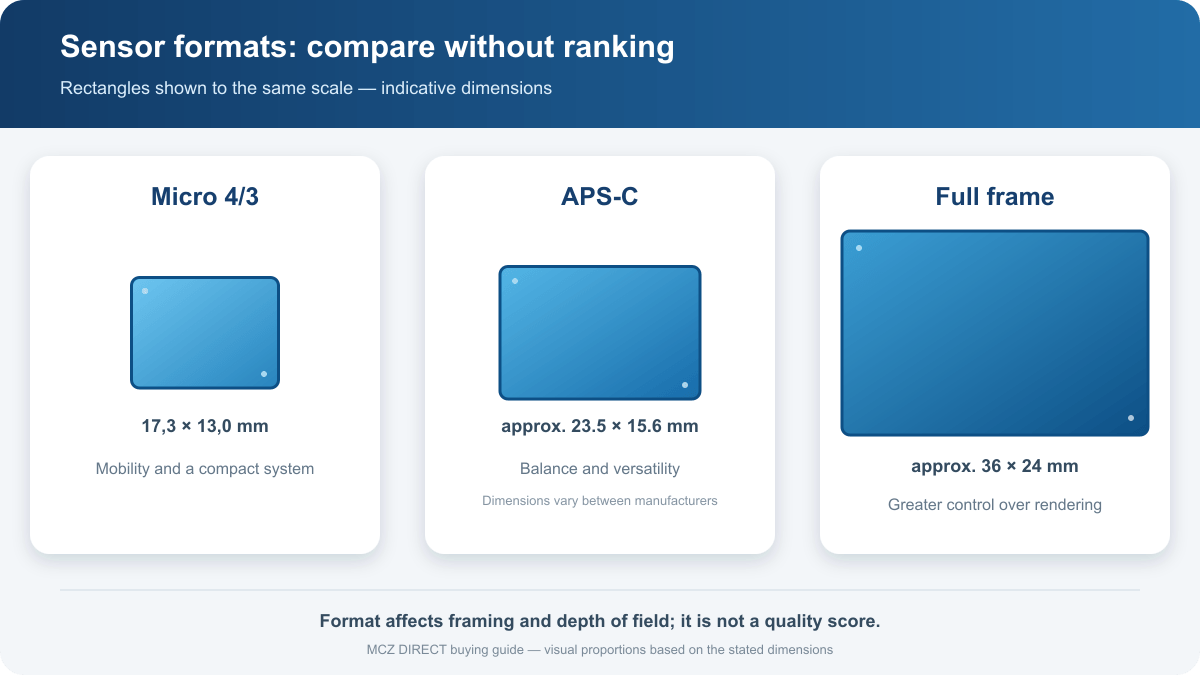
3. Micro Four Thirds, APS-C or full frame: avoid a false hierarchy
Sensor format affects the field of view produced by a focal length, the depth of field available for a given framing and aperture, and the way lenses can be designed. It does not provide a complete quality score. Sensor generation, exposure, optics, processing and technique remain important.
| Format | A coherent reason to choose it | Check before deciding |
|---|---|---|
| Micro Four Thirds | Mobility, useful depth of field or a compact telephoto system | The low-light and shallow-focus rendering you expect |
| APS-C | A balanced combination of size, versatility and image quality | Availability of the focal lengths you want in the format’s lens range |
| Full frame | Broader control of shallow depth of field or demanding low-light work | The size and weight of the lenses needed to achieve that result |
| Medium format | Resolution and rendering for specialised studio or landscape work | Autofocus, burst, video, file size and mobility on the model concerned |
Our MCZ DIRECT guide “APS-C or full frame: how should you choose?” examines equivalent framing, depth of field and system size in detail. For this first decision, compare complete body-and-lens combinations that create the picture you want. Comparing two bodies without the intended lenses hides much of the practical difference.
4. Assess autofocus against the subject you actually shoot
Modern cameras may list detection for people, animals, birds or vehicles. A recognised subject name on a specification sheet does not tell the whole story. Check the compatible stills and video modes, how easily you can select a target, how widely the system operates across the frame and how reliably it continues to follow the subject in the conditions that matter to you.
A child moving around a room, a stationary portrait and a bird in flight present different problems. For action, assess continuous autofocus together with the lens, the useful burst duration and the time required to clear the buffer to the card. Maximum frames per second without those conditions is an incomplete comparison.
The practical question is not simply how quickly the shutter can fire. It is how many correctly focused, properly timed frames the camera can produce across the complete sequence you need.
5. Stabilisation helps, but it does not solve every kind of movement
In-body image stabilisation compensates for some camera movement with compatible lenses. Optical stabilisation works inside the lens, and some systems coordinate the two. This can help with static subjects at slower shutter speeds, framing with long lenses and certain handheld video movements.
Stabilisation does not freeze a moving athlete, animal or child. Subject motion still requires an appropriate shutter speed. Nor does stabilisation automatically replace a tripod, monopod or video support when the shot calls for one.
A body without in-body stabilisation can therefore be a sound choice when paired with a stabilised lens, used mainly at fast shutter speeds or mounted on support. Conversely, sensor stabilisation becomes more valuable with unstabilised primes, static handheld photography and light video setups.
6. Judge handling with the intended lens attached
Body-only weight is a poor guide to carrying comfort. Compare the ready-to-use kit: camera, main lens, battery, card and any grip, flash or microphone. A very small body can become front-heavy with a telephoto lens, while a slightly larger grip may remain comfortable for longer sessions.
Look at dial placement, direct controls, viewfinder, screen movement and menu logic. A fully articulating screen is useful for self-filming and unusual angles; a tilting screen aligned with the lens can be faster for some stills work. Neither mechanism is universally superior.
If the camera will be used outdoors, read the manufacturer’s precise statements about construction for both body and lens. References to seals or weather resistance should not be interpreted as a universal guarantee of waterproofing.
7. For video, compare the mode you will use—not the largest number
Two cameras advertising the same resolution can behave very differently. Before treating a video mode as a reason to buy, verify:
- whether the chosen resolution and frame rate use the full sensor width or a crop;
- whether image quality changes at higher frame rates;
- whether recording time is affected by temperature, power or other operating limits;
- whether your editor and computer support the codec and bit depth comfortably;
- whether the required microphone input, headphone output and HDMI connection are present;
- whether autofocus, stabilisation and audio remain available in that exact mode.
For a long interview, straightforward 4K recording may be more useful than a demanding maximum-resolution option. For slow motion, distinguish capture frame rate from playback frame rate and check whether sound is recorded. Hybrid users should also consider how quickly the camera can move between a stills setup and a video setup without losing essential settings.
8. Batteries, cards and connections shape the real experience
CIPA battery figures provide a standardised basis for comparison. They do not predict every real day: viewfinder use, video, burst shooting, wireless connections, playback and temperature all change consumption. Use the standard figure as a reference, then check USB power options and the availability of suitable spare batteries.
Memory cards must sustain the chosen recording mode. For action photography, write speed affects how quickly the buffer clears. For video, particular combinations of resolution, frame rate and codec may require a specified card class. Buying capacity without checking sustained performance can leave the camera unable to use its most demanding mode.
Two card slots may support simultaneous copies, RAW/JPEG separation or relay recording, but implementations differ. For an event that cannot be repeated, confirm the exact backup behaviour in the camera manual rather than inferring it from the number of slots.
9. Body only or a kit lens?
A kit is a sensible starting point if you own no compatible lens and the supplied zoom covers the situations you expect to photograph first. It allows you to begin immediately, learn which focal lengths you favour and later choose a specialist lens with better evidence.
Choose body only if you already have a fully compatible lens or if the job requires a particular optic from the outset: portrait prime, macro, ultra-wide zoom, telephoto, bright lens or powered video zoom.
Before carrying an old lens into a new system, check the mount, the sensor area it covers, the functions retained and the angle of view it will produce. A lens that can be attached is not necessarily one that delivers the expected framing and performance.
Which mirrorless camera priorities match your photography?
| Use | Prioritise | Do not overvalue |
|---|---|---|
| Family and travel | Light kit, accessible AF, versatile zoom, battery life | An extreme burst mode you will rarely use |
| Street and everyday | Discretion, handling, viewfinder, compact lens | Very high resolution paired with a lens you will not carry |
| Portraits | Suitable lens, eye detection, rendering, lighting support | Maximum frames per second |
| Sport and wildlife | Tracking AF, telephoto lenses, buffer, cards, endurance | A burst figure without duration and AF conditions |
| Landscape | Wide-angle lenses, dynamic range, construction, tripod use | Advanced subject recognition that remains unused |
| Video and vlogging | Screen, video AF, audio, crop, heat behaviour, stabilisation | Maximum resolution without a suitable workflow |
| Stills and video | Balance between modes, controls, lenses and battery | One flagship feature that compromises the main use |
Common buying mistakes
Choosing a brand before defining the work. A brand is useful only when its lenses, controls and system suit the intended subjects.
Comparing sensors while ignoring lenses. Compare complete kits that deliver the required angle of view, aperture and carrying weight.
Equating more megapixels with better photography. Resolution can support cropping and large output, but it also creates larger files and cannot replace accurate focus, sound exposure or a suitable lens.
Reading the burst rate without the conditions. Shutter type, autofocus, file format, buffer and card can all change the performance you can sustain.
Assuming an adapter preserves every function. Compatibility should be checked lens by lens in official documentation.
Forgetting the computer and storage. High-resolution files, long bursts and demanding codecs continue to affect the workflow after capture.
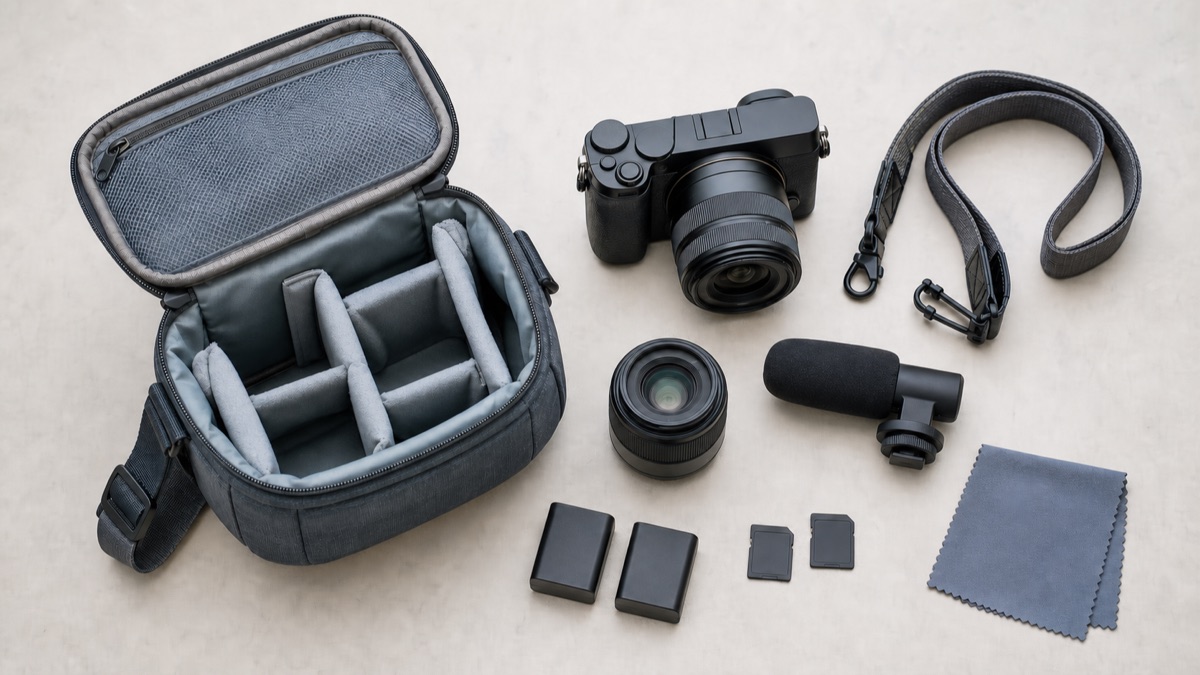
Checklist before ordering
- I have defined my three main uses.
- I know which lens each use requires.
- I have verified the mount and sensor coverage of those lenses.
- The ready-to-shoot weight is practical for me.
- The autofocus is designed for the subjects I need to follow.
- The stabilisation arrangement matches the way I work.
- The useful video modes retain the functions I need.
- The cards, batteries and connections support those modes.
- My software and computer can handle the planned files.
- I know why I am choosing a kit or a body-only package.
If one answer is missing, resolve it before using minor specifications to separate two cameras. This prevents unused complexity, uncomfortable weight or hidden workflow costs from becoming part of the purchase.
MCZ DIRECT verdict
The decisive criterion is coherence. A sophisticated body paired with the wrong lens—or one that is too heavy to take with you—is not the right camera for your use.
The reliable route is to move from subjects to lenses, then from sensor format to body. Only after that should autofocus, stabilisation, video and handling settle the choice.
Your next step: use the checklist to reduce the field to two or three systems, then compare the available options in the MCZ DIRECT mirrorless cameras category. At that point the filters help you separate coherent solutions instead of asking a long product list to make the decision for you.
Sources and editorial verification
Sources reviewed and checks completed before publication.
MCZ DIRECT editorial analysis verified on 25 July 2026 using official documentation from Sony, Canon, Nikon, Fujifilm and OM SYSTEM, together with the CIPA DC-002 standard. No comparative field test or model ranking is claimed. Compatibility must be checked for the specific camera, lens and firmware concerned.
- CIPA — DC-002 battery-life measurement standard
- Sony — One Mount and E-mount platform
- Sony — Full-frame E-mount lenses on APS-C bodies
- Canon — Lens mount features and compatibility guide
- Canon — AF area and crop with RF-S or EF-S lenses
- Nikon — Nikon Z system and Z mount
- Nikon — Choosing a mirrorless lens and FX/DX compatibility
- Fujifilm — Official X Mount lens range
- OM SYSTEM — Micro Four Thirds system specifications
- OM SYSTEM — Micro Four Thirds lens compatibility
Frequently asked questions
What is a mirrorless camera?
In this guide, a mirrorless camera is a digital interchangeable-lens camera without the reflex mirror mechanism used by a DSLR. You compose on the rear screen and, where fitted, through an electronic viewfinder.
Which mirrorless camera is suitable for a beginner?
Look for clear controls, dependable autofocus and a lens that covers your usual subjects. Carrying weight, battery life and access to a future specialist lens matter more than a long list of advanced functions you do not yet need.
Should a first mirrorless camera be APS-C or full frame?
APS-C often creates a balanced, compact kit. Full frame can support particular low-light or shallow-depth-of-field results. Neither is automatically better: compare the required lenses, total size and intended rendering.
How many megapixels do I need?
There is no universal number. It depends on output size, cropping, publication and storage. Higher resolution is useful only when the lens, focusing accuracy and workflow allow you to benefit from it.
Is in-body image stabilisation essential?
No. It is valuable for static subjects at slower shutter speeds, unstabilised lenses and some handheld video work. It matters less when you use fast shutter speeds, a stabilised lens or suitable support.
Can I use older lenses on a mirrorless camera?
Sometimes, directly or through an adapter. Check the mount, sensor coverage, autofocus, stabilisation and any restrictions published by the manufacturer for each lens.
Which mirrorless camera brand is best?
No brand is best for every photographer. The right system is the one that offers the lenses you need, controls you understand and functions that genuinely support your subjects.
Should I buy a kit or a body only?
A kit is practical when you want to start immediately with a versatile zoom. Body only is more suitable when you already own a compatible lens or know exactly which specialist lens the work requires.
Leave a comment